

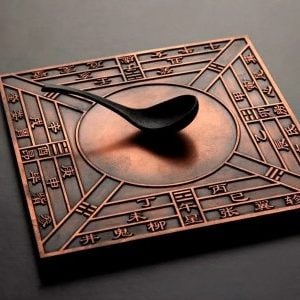
聽風聽水
天星與五星諸氣者因地氣上陞化為雨水復降地表,故形有所謂水、氣有所謂風。故云『風水』。
—— 呂祖先師降示
組織者:
- Organized by
-
-


把罗盘放在图片上教程——一招搞定
-
把罗盘放在图片上教程——一招搞定
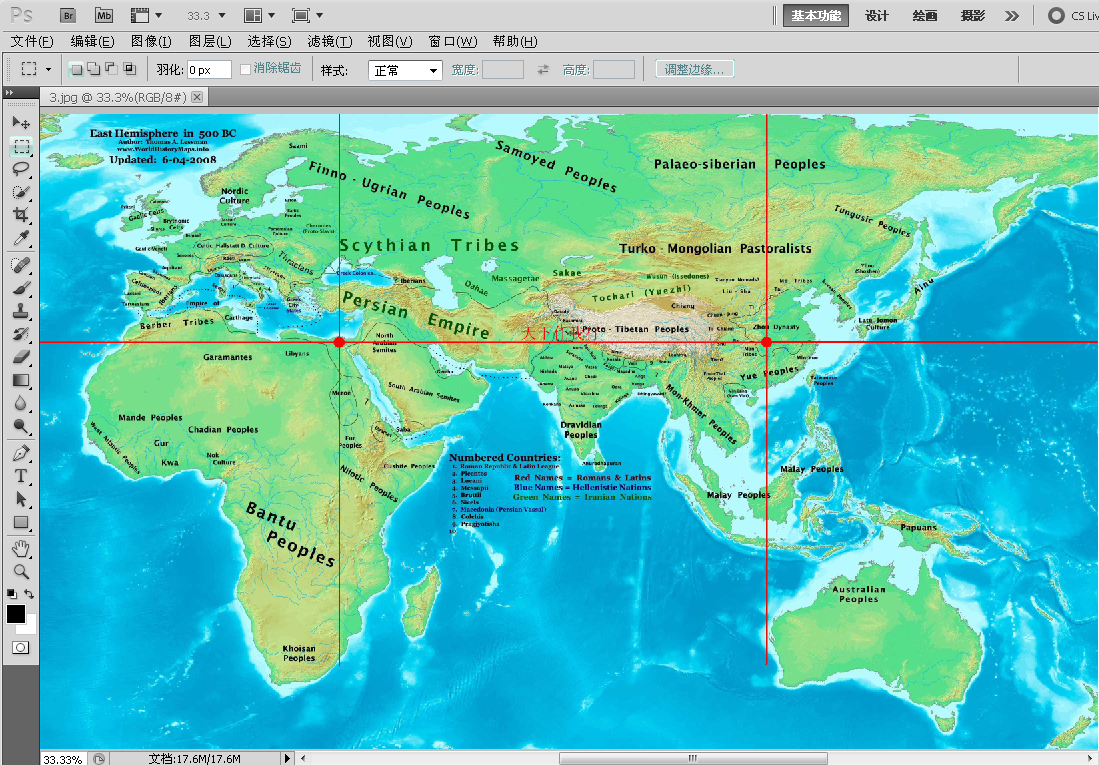
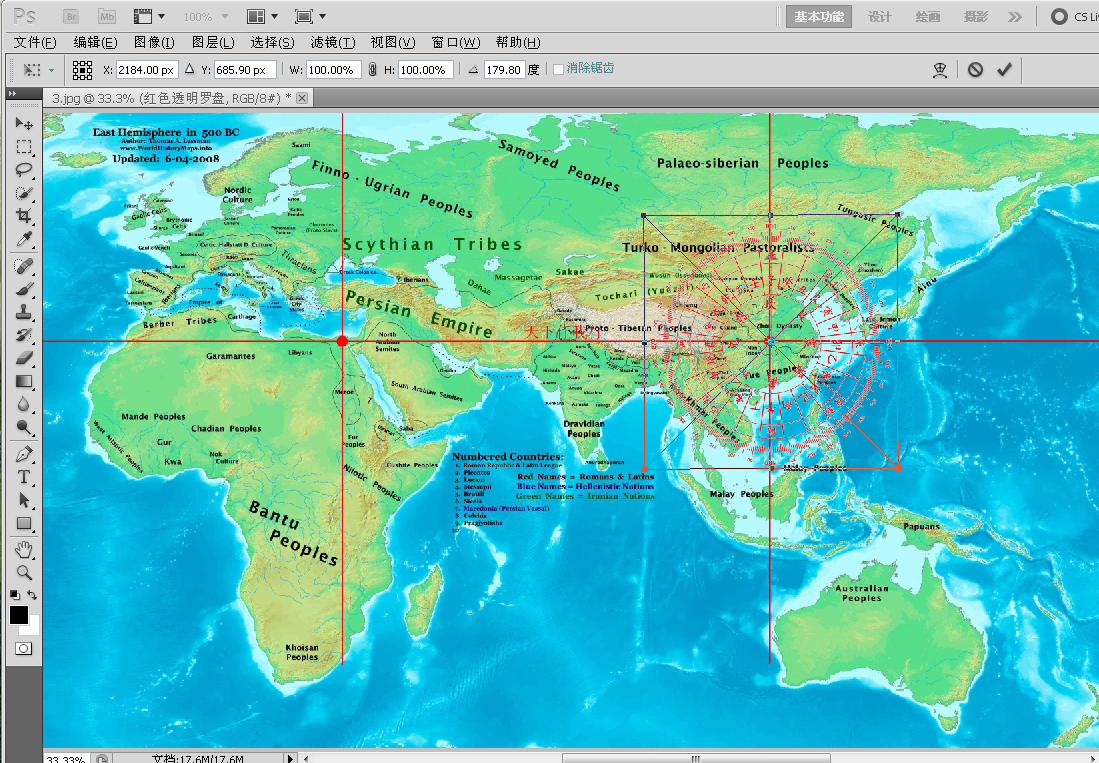
[font=宋体][size=16pt]第一:用[/size][/font][size=16pt][font=Times New Roman]ps[/font][/size][font=宋体][size=16pt]打开图片——按[/size][/font][size=16pt][font=Times New Roman]Ctrl+A[/font][/size][font=宋体][size=16pt]——把透明罗盘直接拖入图片中——按回车键([/size][/font][size=16pt][font=Times New Roman]Enter[/font][/size][font=宋体][size=16pt])。[/size][/font][size=16pt][/size]
[font=宋体][size=16pt]怎么样?简单、实用、高手吧,[/size][/font][size=16pt][font=Times New Roman]O([/font][/size][font=宋体][size=16pt]∩[/size][/font][size=16pt][font=Times New Roman]_[/font][/size][font=宋体][size=16pt]∩[/size][/font][size=16pt][font=Times New Roman])O~[/font][/size][font=宋体][size=16pt]。[/size][/font][size=16pt][/size]
[font=宋体][size=16pt][/size][/font]
[font=宋体][size=16pt]移动、缩放罗盘请按Ctrl+T键,然后按Shift上档键,[/size][/font][font=宋体][size=16pt]确保罗盘缩放时不变形。[/size][/font]
[font=宋体][/font]
[font=宋体][/font]
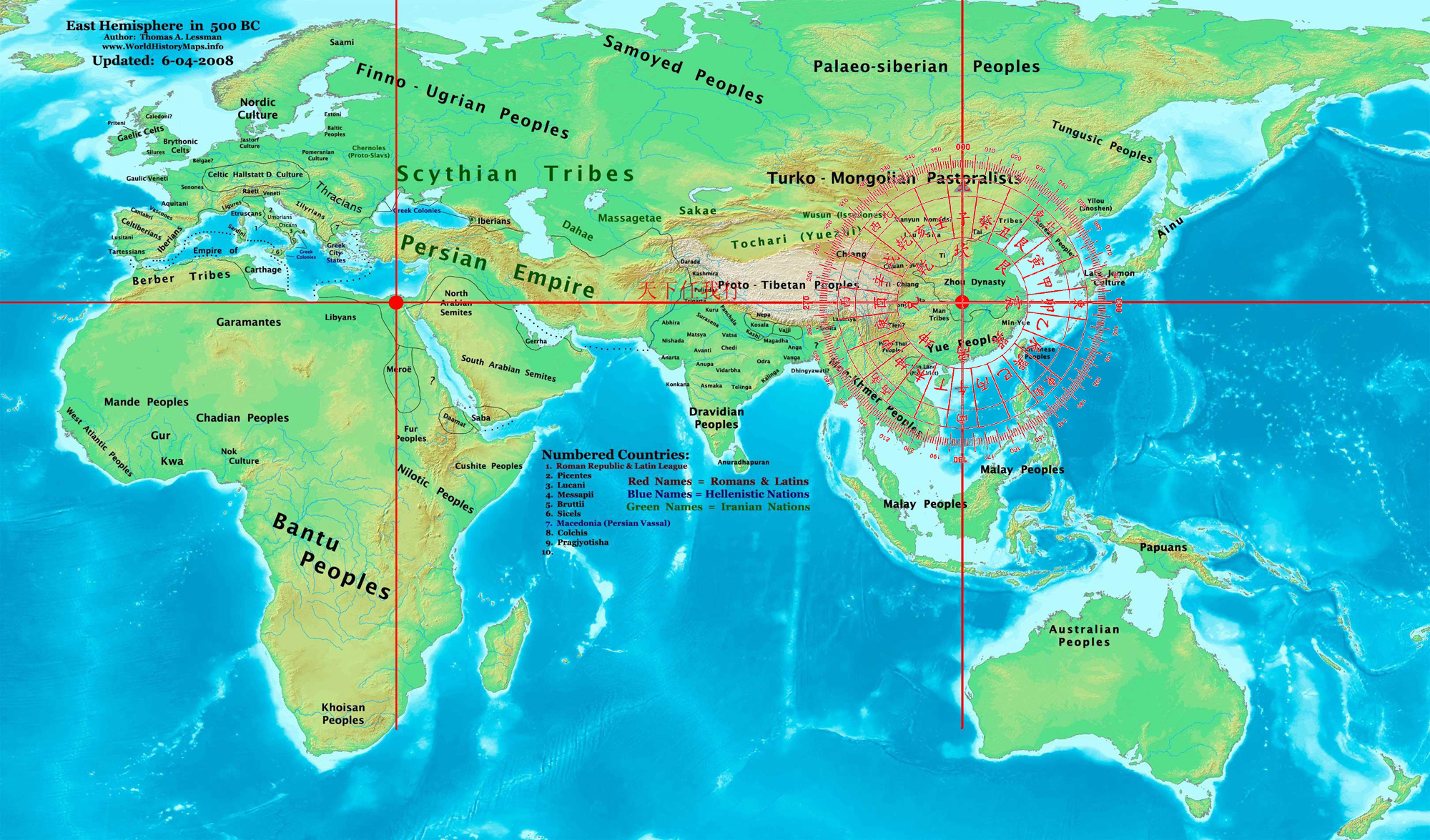
[font=宋体]演示图:[size=16pt][/size][/font][ 本帖最後由 天下任我行 於 2011-11-17 03:00 PM 編輯 ]
Sorry, there were no replies found.
Log in to reply.